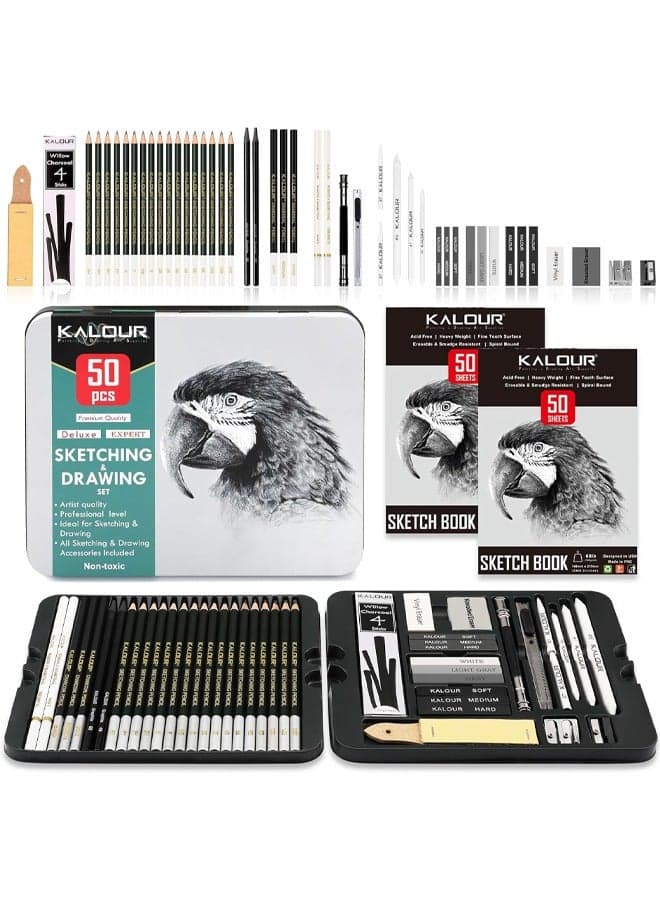
Compatible with Canon Selphy CP1500 CP1300 Ink and Paper KP-108IN 3 Color Ink Cartridges and 108 Sheets 4x6 Photo Paper Glossy for Canon CP1200 CP1000 CP910 CP810 CP790 Photo Printer
Brand: YOULABLE
تنبيه السعر
احصل على إشعار عندما ينخفض السعر
تاريخ الأسعار
تقييمات العملاء
المواصفات
الوصف
COMPATIBLE MODELS:KP108 Ink Cartridges Compatible for Canon Selphy Series CP1300 CP1500 CP1000 CP1500 CP910 CP900 CP820 CP810 CP800 CP790 CP780 CP770 CP760 CP740 CP730 CP720 CP710 CP600 CP510 CP400 CP330 CP300 CP220 CP200 CP100 Wireless Compact Photo Printers. CONTAIN:3 Pack Compatible for Canon KP108 Color Ink Cartridges and 108 sheets of Photo paper (4 x 6",100 x148mm) Advantages of photo paper: Using special layers can better absorb ink, reduce smudging, make colors more vivid, and have higher contrast Advantages of ink cartridges: Using waterproof and UV resistant pigments, photos can be stored for a long time without fading. After drying, it forms a protective film, making your photos scratch resistant. Our ink cartridges are highly compatible with your printer and easy to install WARM TIPS 1. Tighten the ribbon rotating roller before use to make it flat, which can avoid the machine displaying the error message of “Cartridge Empty” and avoid paper jam when printing.2. Install the ribbon after turning on the printer, and then remove it after printing, which can effectively avoid ribbon waste.
منتجات مشابهة
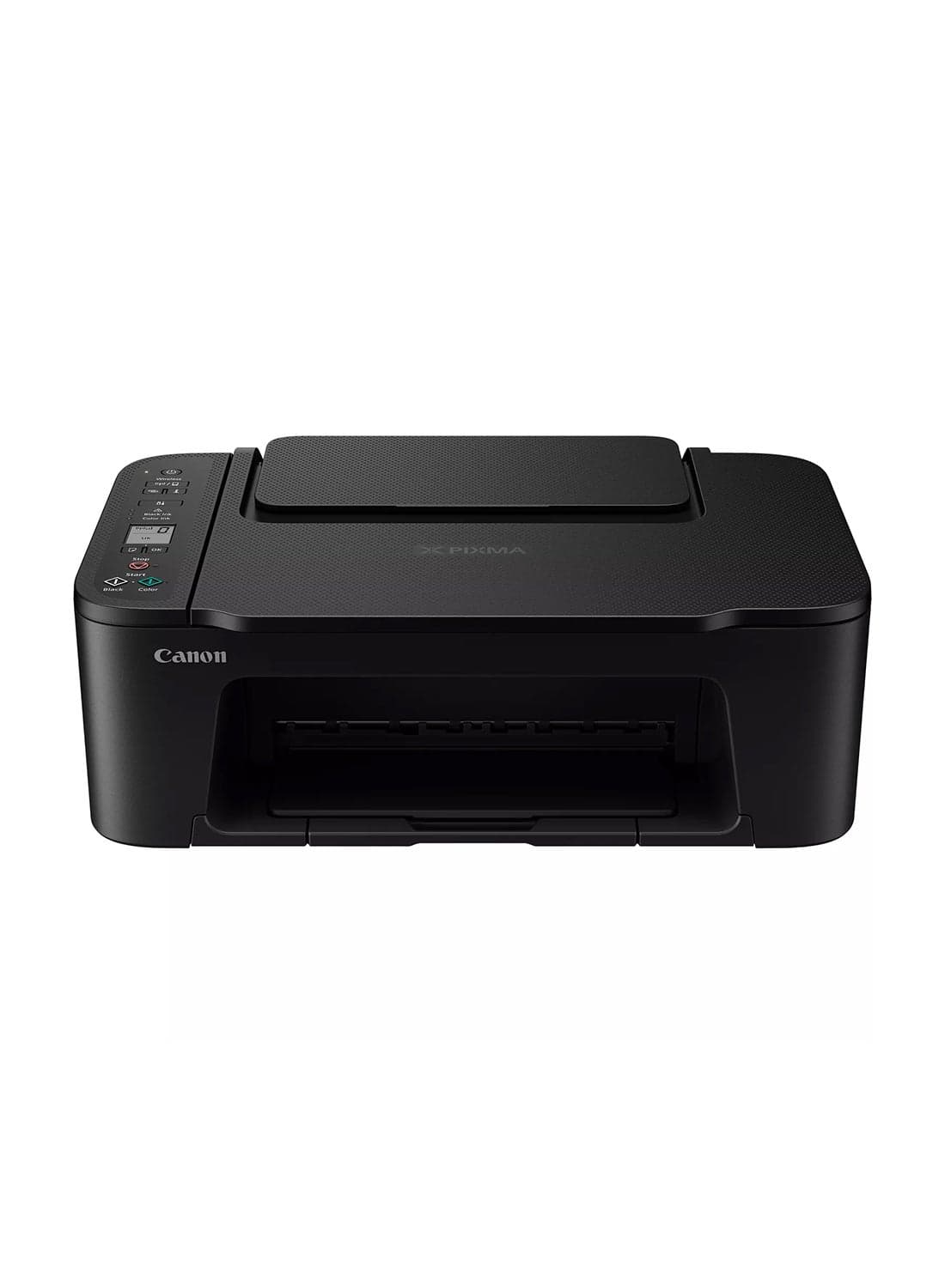
طابعة كانون PIXMA TS3640 اللاسلكية الملونة متعددة الوظائف، طباعة، نسخ ومسح ضوئي |
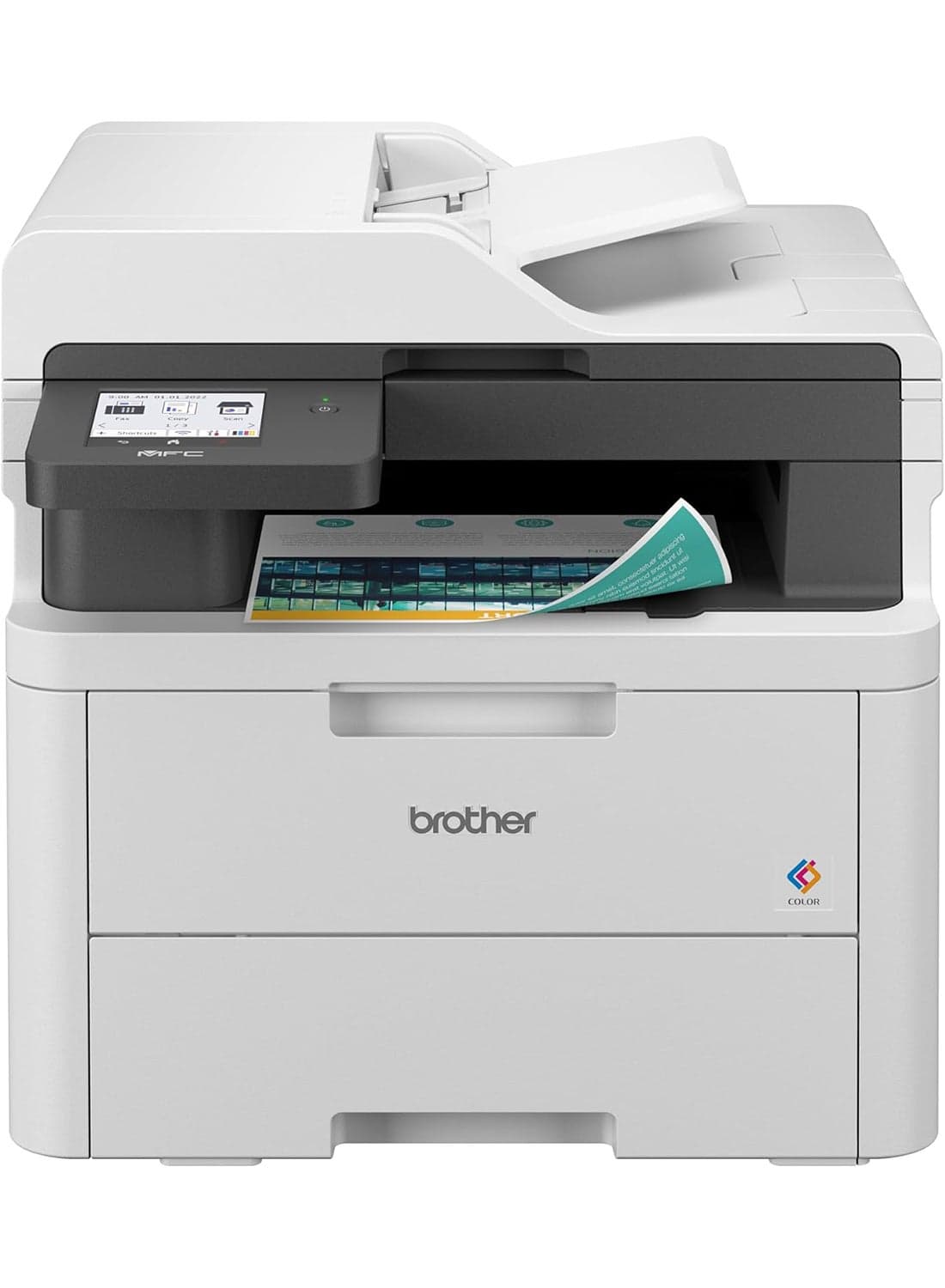
طابعة رقمية ملونة الكل في واحد مع خاصية النسخ والمسح الضوئي والفاكس، والطباعة على الوجهين والطباعة المحمولة، وتحديث الاشتراك جاهز
brother
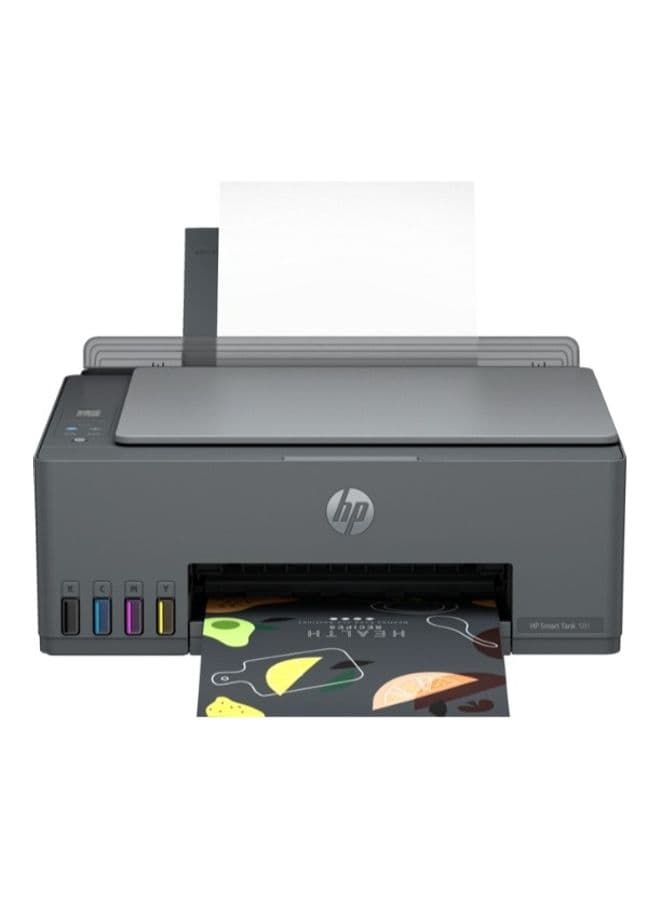
Smart Tank 581 All-In-One Multi-Function WiFi Color Ink Tank Printer with Voice Activated Printing Google Assistant & Alexa (Color Page Cost: 20 Paise | Black Page Cost: 10 Paise) for Print/Copy/Scan with ADF (Up To 18000 Black, 8000 Colour Pages Of Ink In Box) Black
HP