
Dell Inspiron 15 3520 15.6" FHD Touchscreen Laptop Computer, 16GB RAM, 1TB PCIe SSD, 4-Core Intel Core i5-1135G7, Numeric Keyboard, WiFi, HDMI, Webcam, SD Card Reader, Windows 11, Carbon Black
Dell
Price Alert
Get notified when the price drops
Price History
Customer Reviews
Specifications
Description
✅4 Cores Processor:Intel Core i5-1135G7, 4 Cores, Total 8 Threads, Up to 4.20GHz, 8MB Cache, Intel Iris Xe Graphics. Smart quad-core, eight-way processing performance. Intel Turbo Boost Technology delivers dynamic extra power when you need it, while increasing energy efficiency when you don't. ✅15.6" FHD Touchscreen:15.6" FHD (1920 x 1080) Anti-glare LED Backlight Touchscreen Narrow Border Display, Equipped with a FHD IPS touch screen, the border-less visual effect minimizes distractions offering better cinema, document and web browsing experience. ✅Upgraded to 16GB RAM: Substantial high-bandwidth RAM to smoothly run your games and photo- and video-editing applications, as well as multiple programs and browser tabs all at once. ✅Upgraded to 1TB NVMe SSD: Get up to 15x faster performance than a traditional hard drive. Give you a long-lasting and smooth experience, both system boot up and application start are very fast. ✅Windows 11 Home in S mode: You may switch to regular windows 11: Press "Start button" bottom left of the screen; Select "Settings" icon above "power" icon;Select Update & Security and Activation, then Go to Store; Select "Get" option under "Switch out of S mode"; Hit Install. (If you also see an "Upgrade your edition of Windows" section, be careful not to click the "Go to the Store" link that appears there.)
Similar Products
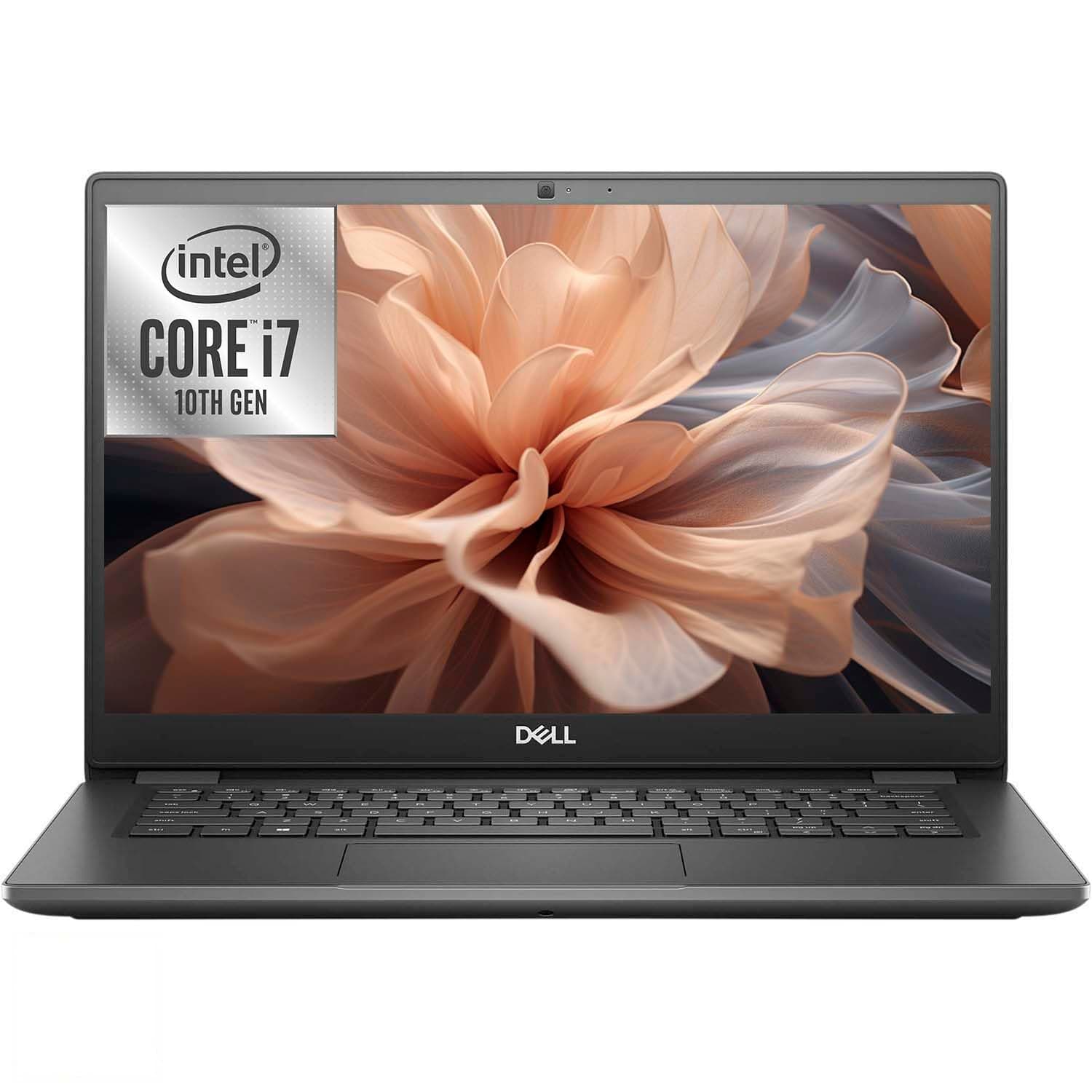
Dell Latitude 3410 Laptop, Core i7-10510U, 8GB RAM, 256GB SSD | HDMI, RJ-45, 14in FHD Win 11 Pro Notebook (renewed)
Dell
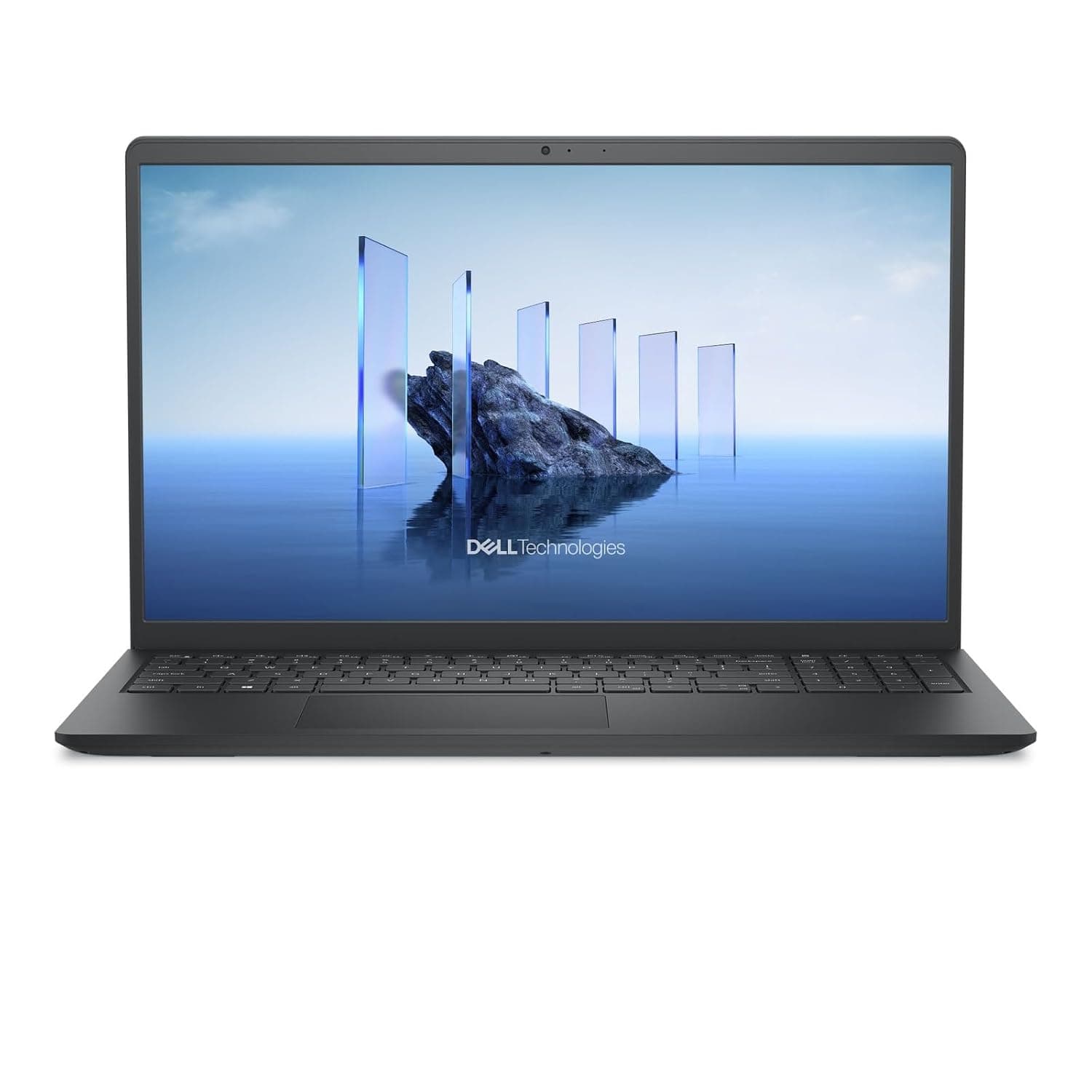
Dell 2025 Personal Laptop 15 DC15250 Intel Core i5-1334U 10-Core Intel Iris Xe Graphics 16 GB DDR4 512 GB SSD 15.6" 1920x1080 Win11 Pro Wi-Fi 6 Bluetooth 5.2 TS Numeric Keypad 720p HD Camera
Dell
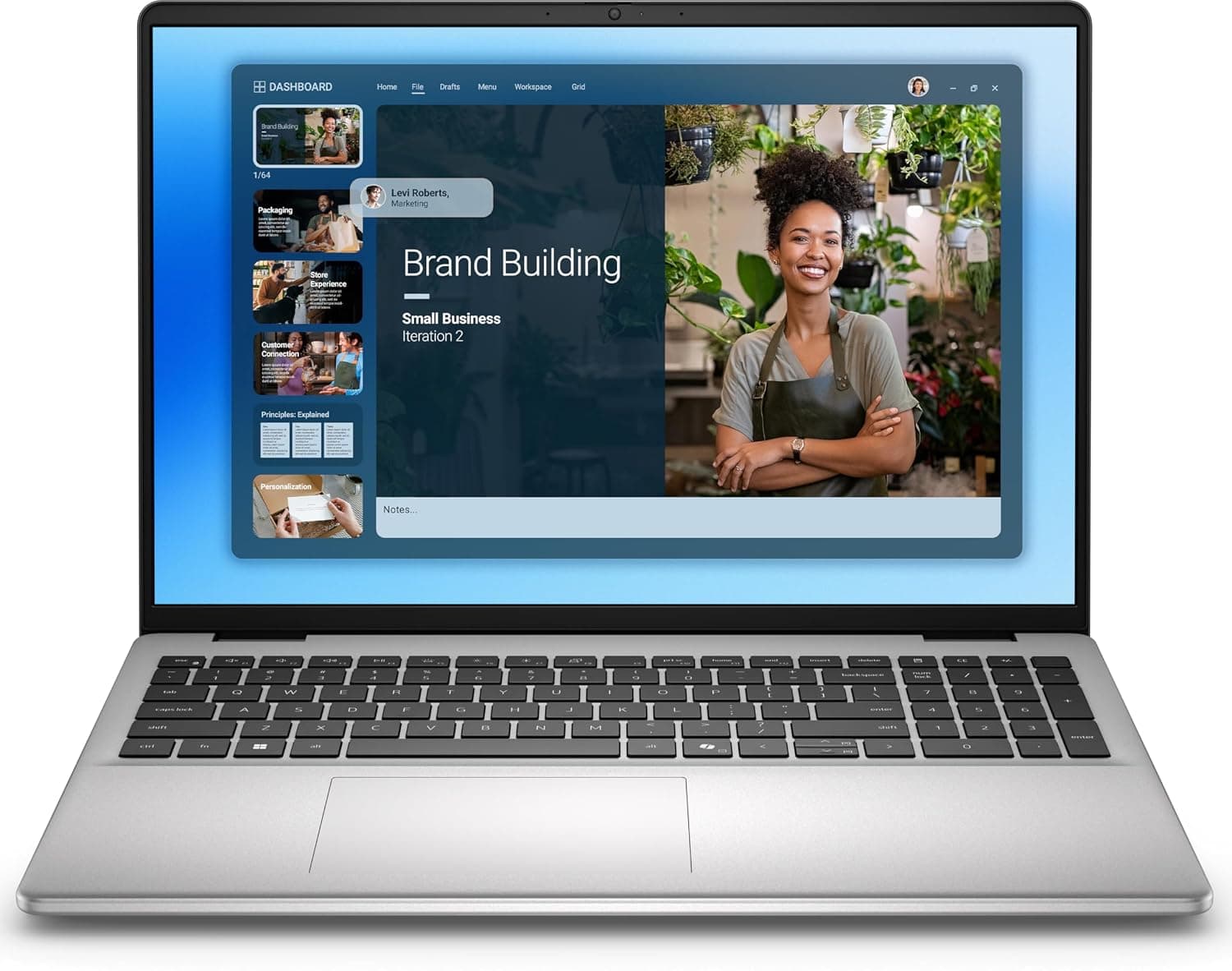
Dell 16 DC 2025 Laptop, 10-Core Intel Core 5 120U, 16" WUXGA IPS Touchscreen Display, Intel Graphics, 8GB DDR5 512GB SSD, Backlit Keyboard, Wi-Fi 6E, Win11 Home
Dell
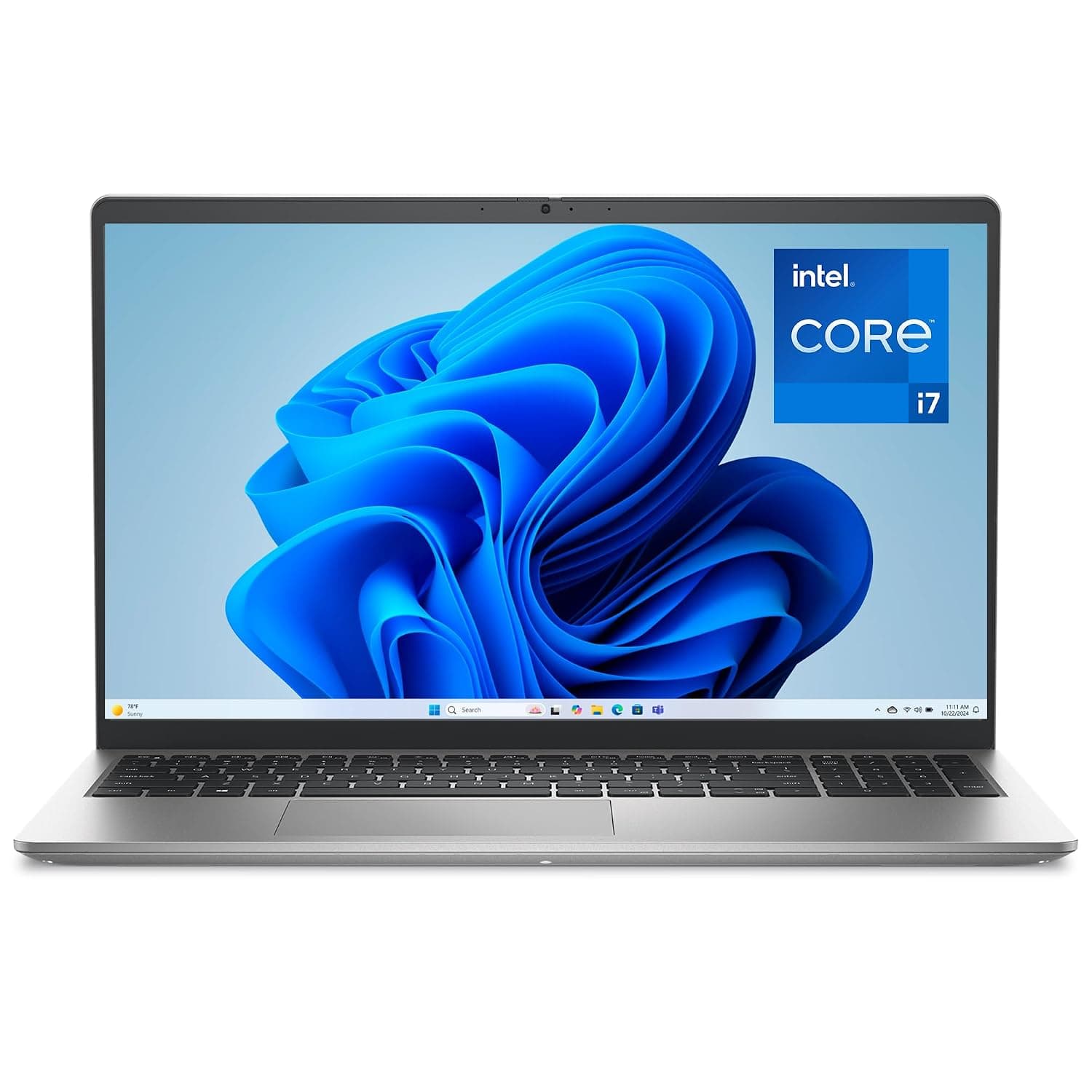
Dell 15 Laptop DC15250-15.6-inch FHD 120Hz Display, 13th Gen Intel Core i7-1355U, 16GB DDR5 RAM, 512GB SSD, Intel UHD Graphics, Windows 11 Home, 1 Year Basic Onsite Service - Platinum Silver
Dell