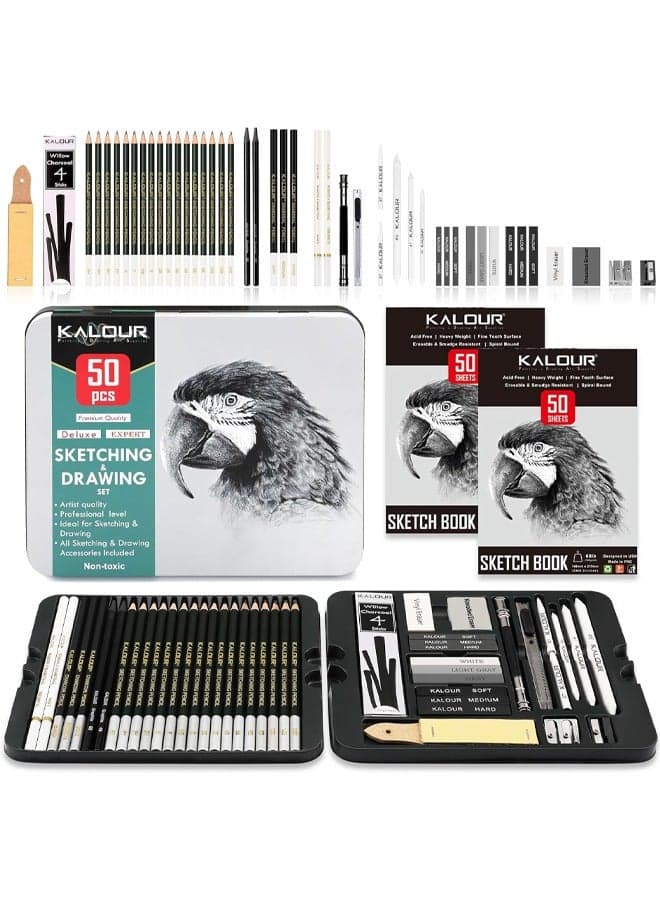
Compatible with Canon Selphy CP1500 CP1300 Ink and Paper, KP-108IN KP108 (4‘’ x 6'' 108 Sheets Photo Paper + 3 Color Ink) for Selphy Printer CP1200 CP1000 CP910 CP810 CP790 Photo Printer
YOULABLE
Price Alert
Get notified when the price drops
Price History
Customer Reviews
Specifications
Description
COMPATIBLE MODELS:Compatible for Canon Selphy Series CP1500 CP1300 CP1200 CP1000 CP910 CP900 CP820 CP810 CP800 CP790 CP780 CP770 CP760 CP740 CP730 CP720 CP710 CP600 CP510 CP400 CP330 CP300 CP220 CP200 CP100 Wireless Compact Photo Printers. Package Included: Compatible with CP1500 CP1300 Ink and Paper set, kp108in 3 ink cassette and 108 sheets glossy photo paper. Paper Size: 102 x 152mm( print area: 4" x 6" 10cm x 14.8cm). ADVANTAGES:Using dye sublimation technology,it is waterproof, fingerprint-resistant and fade-resistant, and can print extraordinary colorful photos that can be preserved for a long time. OPERATING METHODS:Connect your mobile device using Wifi for direct access to Apple's AirPrint, PicBridge; or connect to your computer's USB port for direct access to the Selphy app. WARM TIPS 1. Tighten the ribbon rotating roller before use to make it flat, which can avoid the machine displaying the error message of “Cartridge Empty” and avoid paper jam when printing.2. Install the ribbon after turning on the printer, and then remove it after printing, which can effectively avoid ribbon waste.
Similar Products
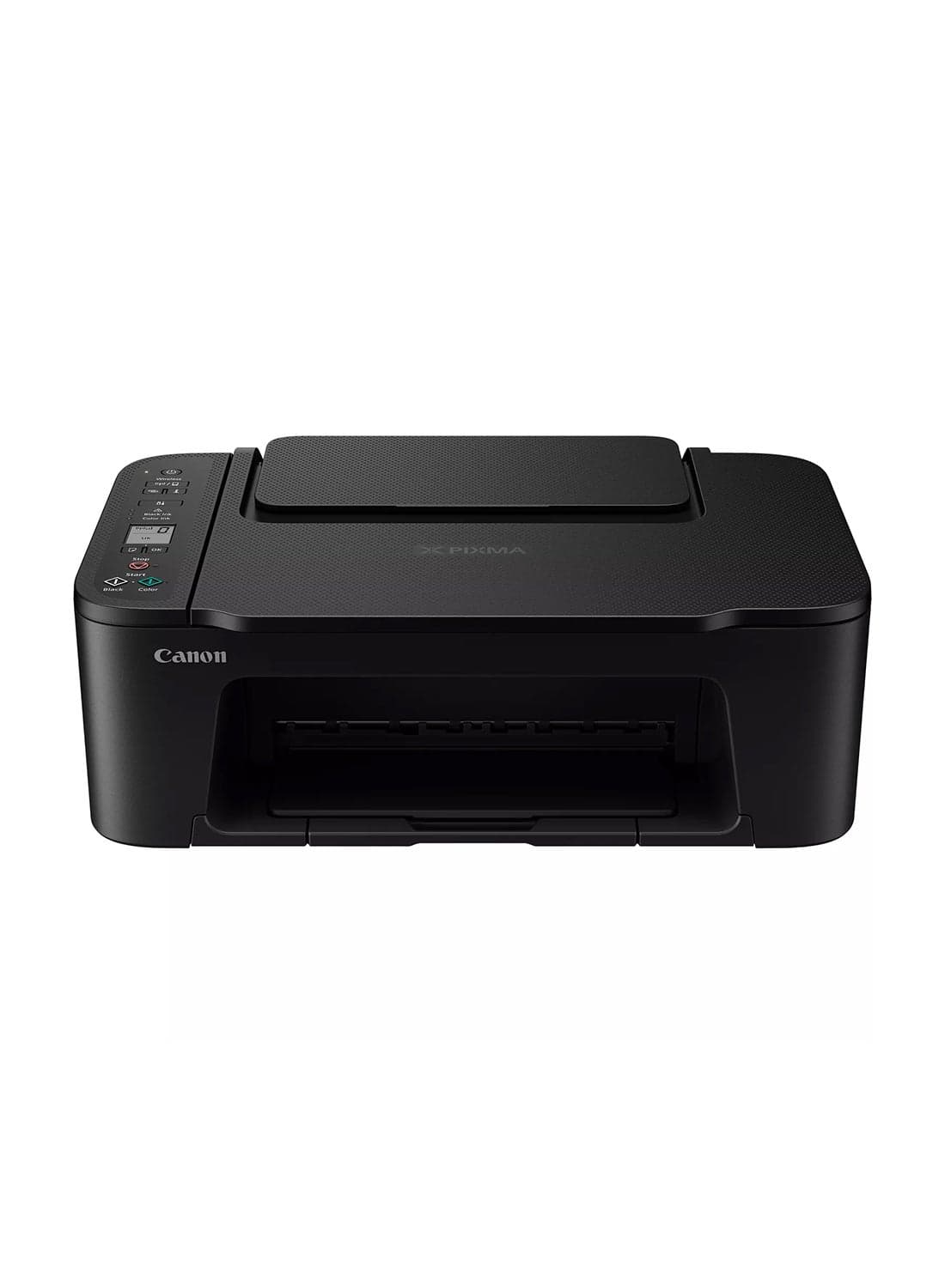
Canon PIXMA TS3640 Wireless Colour All-in-One Inkjet Photo Printer, Print, Copy & Scan | Black
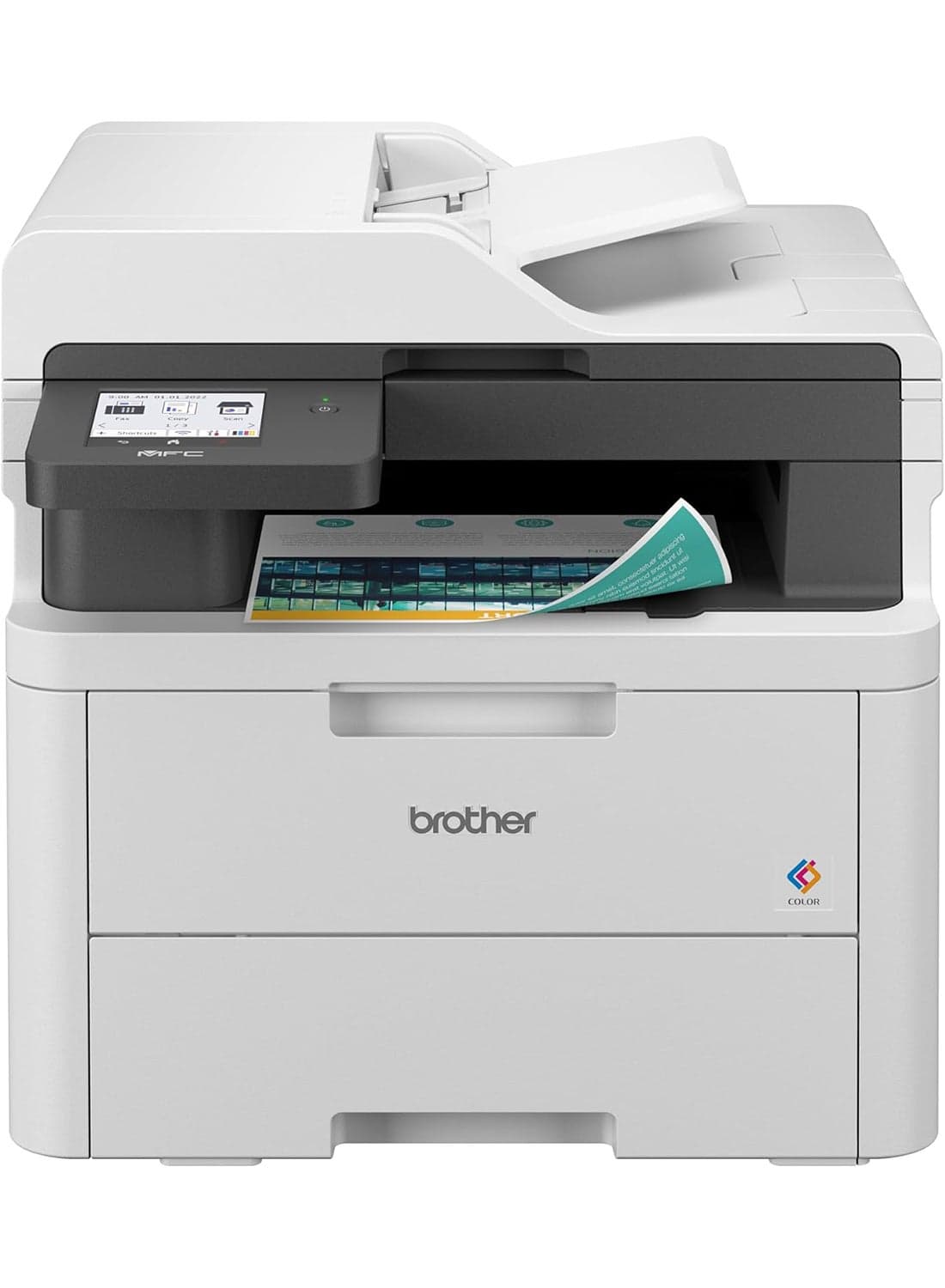
Wireless All in One Printer, MFC-L3720CDW, with Advanced LED Color Laser Print, ADF, Duplex & Mobile Printing, High Yield Ink Toner White
brother
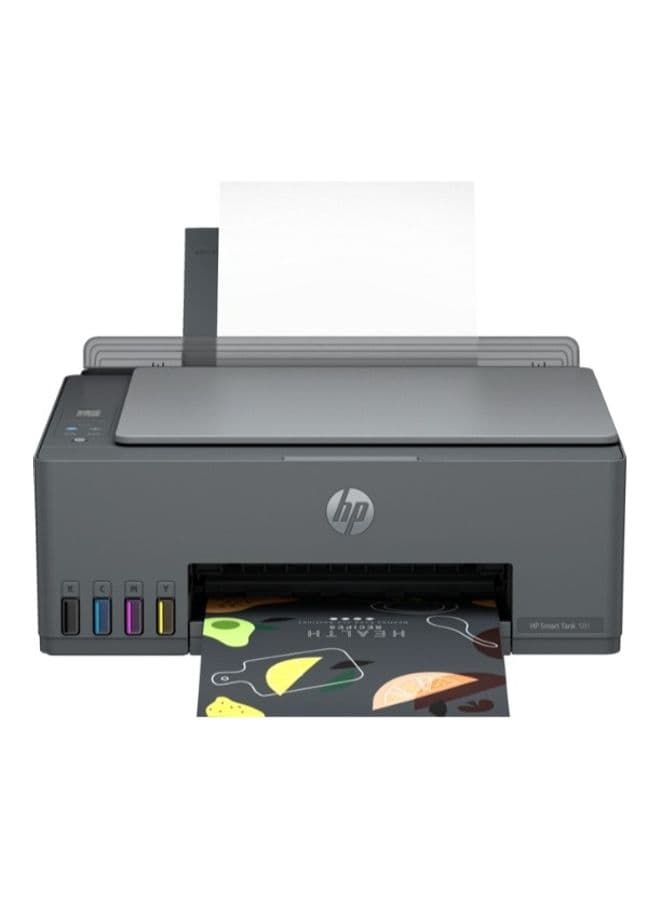
Smart Tank 581 All-In-One Multi-Function WiFi Color Ink Tank Printer with Voice Activated Printing Google Assistant & Alexa (Color Page Cost: 20 Paise | Black Page Cost: 10 Paise) for Print/Copy/Scan with ADF (Up To 18000 Black, 8000 Colour Pages Of Ink In Box) Black
HP