
EAMPANG Arabic & English Magic Keyboard for Apple iPad Air 11-inch M3/M2 & iPad Pro 11 inch 4th/3rd/2nd/1st Gen Magnetic Case Smart Trackpad Rainbow Backlit iPad Air 4th/5th Black
Brand: EAMPANG
Price Alert
Get notified when the price drops
Price History
Customer Reviews
Specifications
Description
【Compatible Models】This keyboard case only can be compatible with iPad air 11-inch (M3)2025 (Model: A3267/A3270), iPad air 11-inch (M2) 2024 (Model: A2902/AA2903/A2904), Air 5th Generation (Model: A2588/A2589/A2591), Air 4th Generation 10.9 inch (Model: A2316/A2324/A2325/A2072). Please check the model number starting with "AXXXX" on the back of your iPad before purchasing.(This product does not include: tablet, pencil!) 【Smart Touchpad】The smart touchpad supports multi-finger gestures such as click, pinch, slide, and scroll. You can precisely control the tablet with just your fingertips, fully realize the mouse function, and enjoy the excellent experience of a laptop. Edit documents, browse web pages, and manage files faster, allowing you to feel the convenience brought by efficiency 【Rainbow Backlight, Multi-Function Keyboard】 This RGB backlit keyboard for iPad features seven adjustable backlight colors and a breathing light mode. The backlit keyboard provides a comfortable typing experience even in the dark. A variety of shortcut keys allow you to use your iPad more efficiently and comfortably, such as editing documents, navigating apps, and creating presentations. 【Rechargeable Keyboard with Auto Sleep/Wake】 This keyboard has a built-in 420 mAh lithium battery. After charging in 2-3 hours, it can work continuously for up to 50 hours under normal use (without backlight). It automatically enters sleep mode to conserve power when not in use for a long time, and wakes instantly with a single click. Automatically sleeps and wakes the tablet so you can use it right away, and shuts it down to save power. 【Magnetic Back Cover and Floating Cantilever Stand】: The back cover adopts a magnetic floating cantilever design with 62 built-in magnets, which can magnetically adsorb the iPad. The maximum angle can be adjusted to 130°. The angle can be adjusted arbitrarily, allowing you to easily adjust to the ideal viewing angle for easy work and study. 【Touchpad Settings】After successfully connecting, open "Tablet Settings" - "General" - "Touchpad" to configure other touch settings. "Tracking Speed" setting: Adjust the touchpad sensitivity. "Touch Click" setting: A light touch will click the touchpad without pressing hard. "Two-finger Secondary Click" setting: Lightly touch the screen with two fingers to enable the secondary click function. Press the "Fn" and "Space" keys simultaneously to lock/unlock the touchpad 【How to pair Bluetooth keyboard with tablet】1: Turn on the keyboard power. 2: Turn on the Pad, Settings-Turn on Bluetooth. 3: Press the [Fn] + [C] keys on the keyboard to turn on Bluetooth pairing. 4: Find the name of the keyboard on the tablet: Keyboard, click Pair, and the connection will be successful
Similar Products
Promate Wired Keyboard and Mouse with Ambidextrous, 2400 Adjustable DPI, English/Arabic buttons, Media Keys, Deep-Profile Keycap, Spill Resistance, Combo-CM4
PROMATE
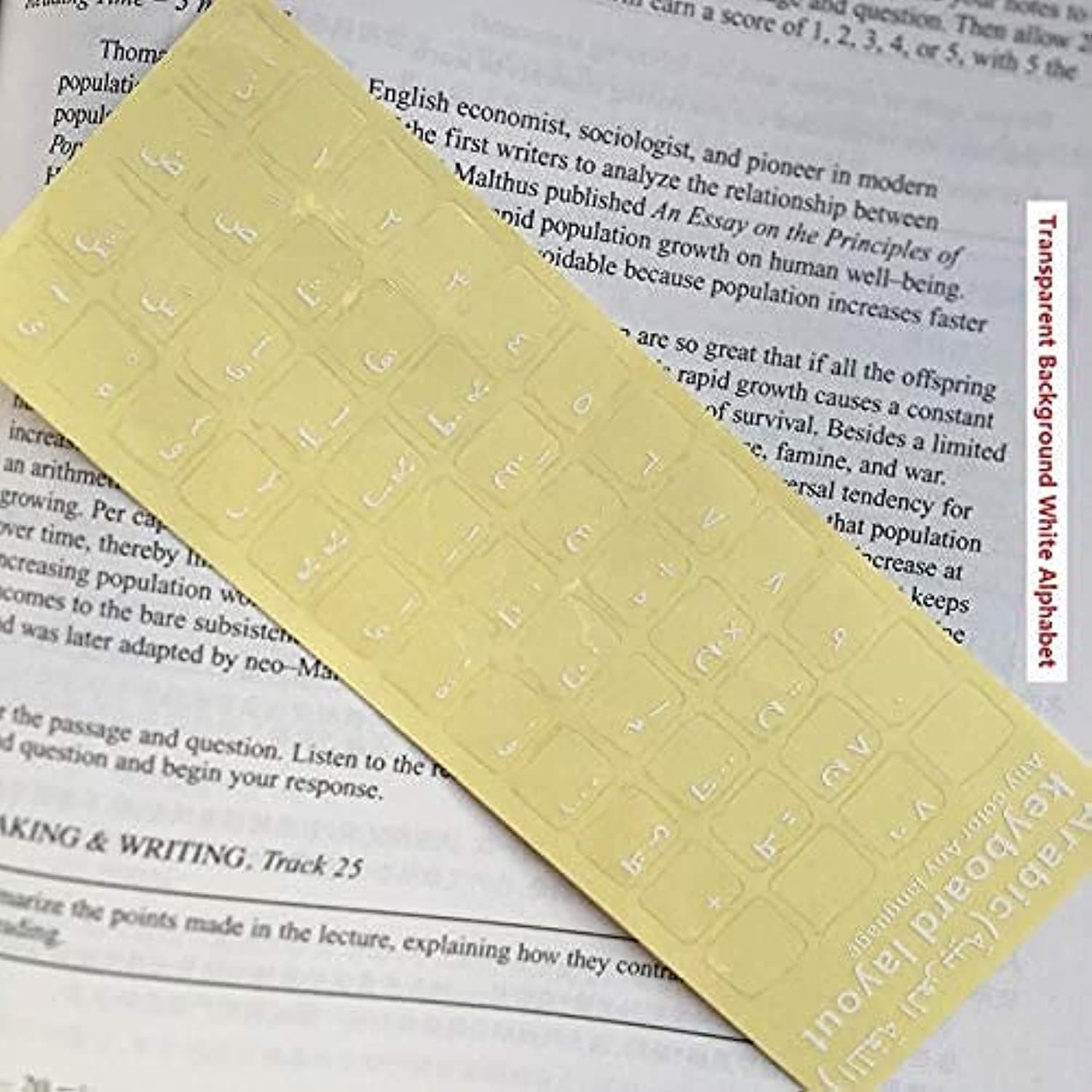
Taimi Universal Arabic Keyboard Stickers, Transparent Background, with White Lettering for Computer Laptop Notebook Desktop (Pack Of 1)
Brand: Taimi
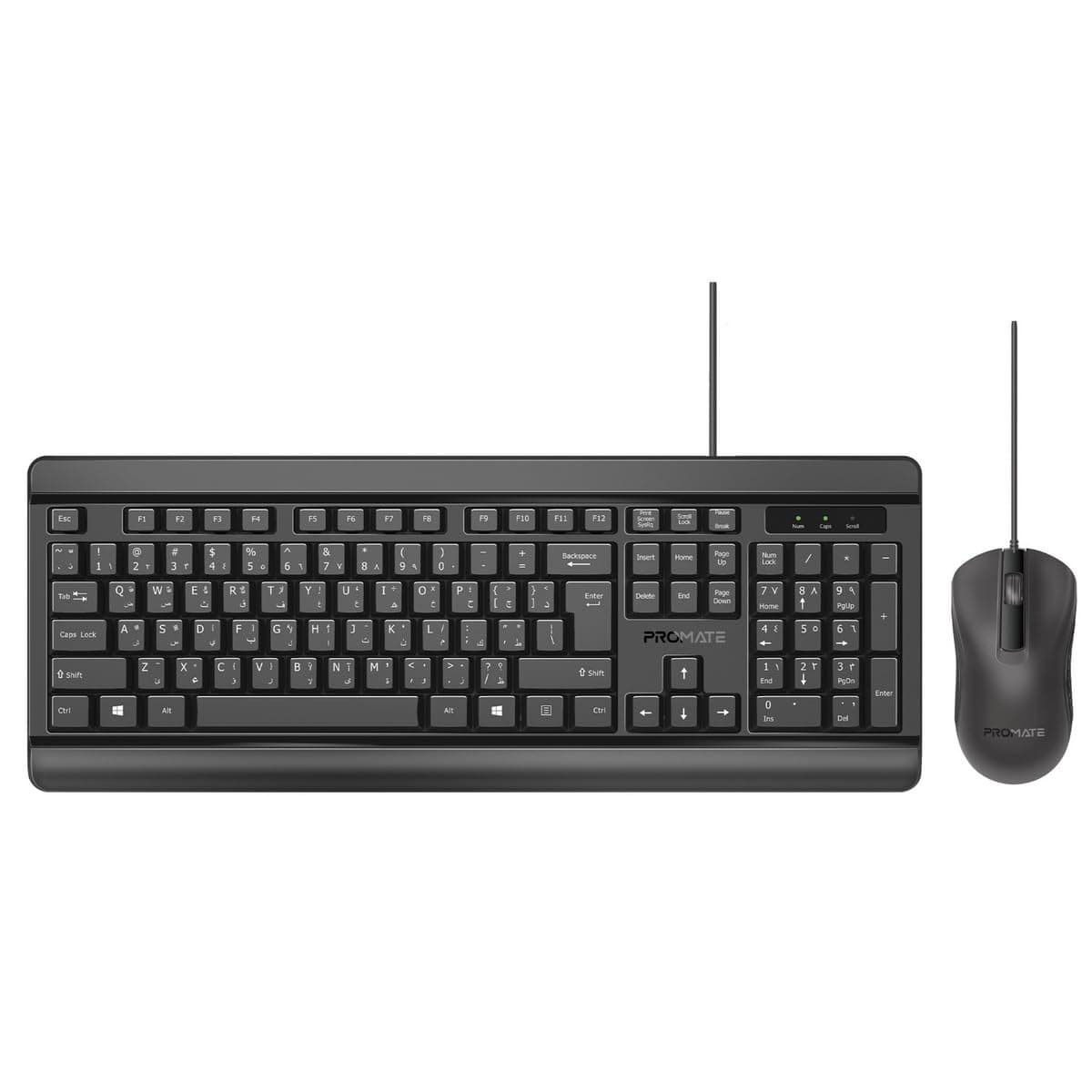
Promate Silent Wired Keyboard with Ambidextrous 1200 DPI Mouse, Silicone Grip and Spill-Resistant, English/Arabic buttons, Combo-CM6
Visit the Promate Store
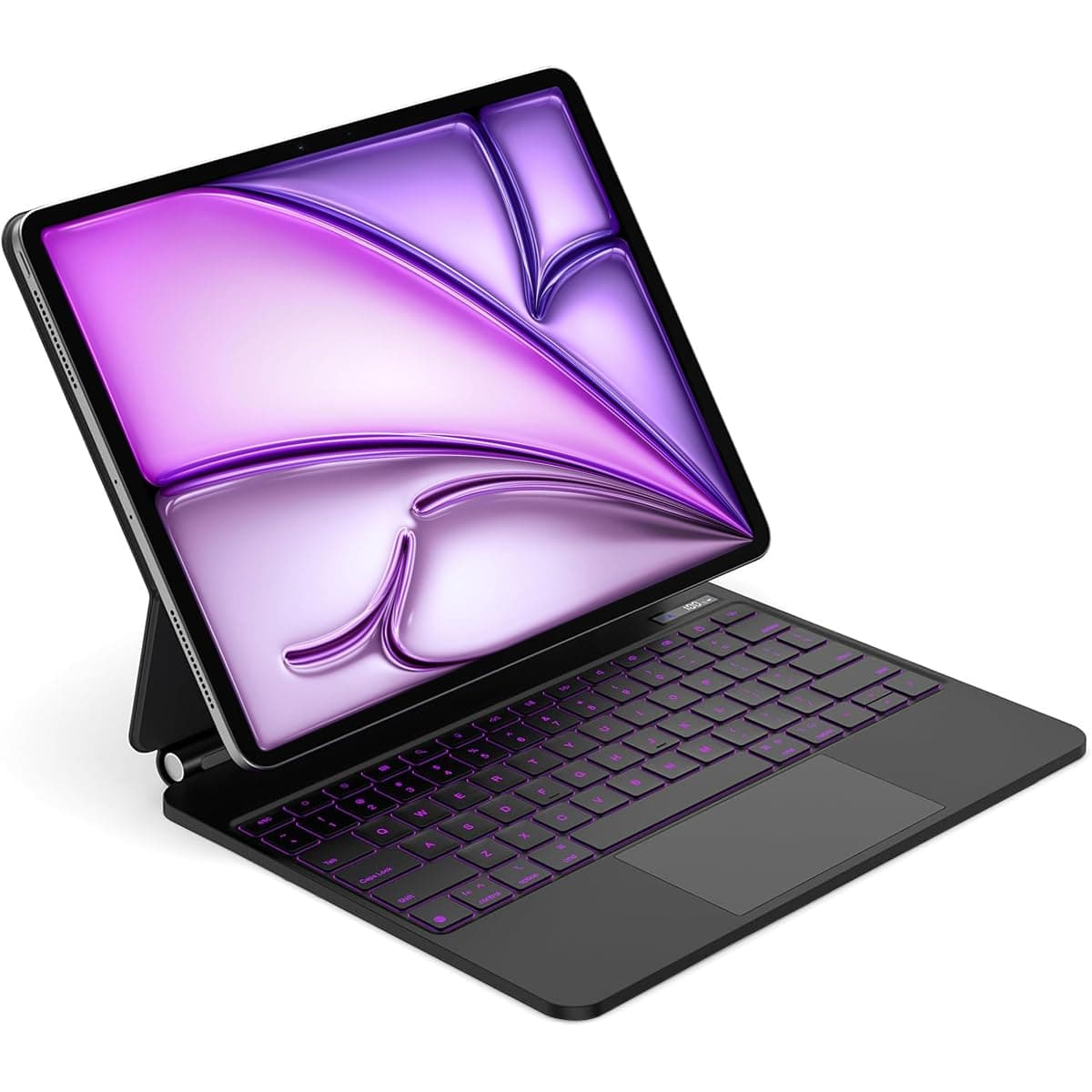
【Arabic & English】Magic Keyboard for iPad Air 11" M4/M3/M2 & iPad Air 5th/4th & iPad Pro 11"(1st/2nd/3rd/4th), Keyboard Case with Magnetic Stand, LCD Display, Multi-Touch Trackpad, 7-Color Backlight
Brand: QPHWHFQ